Switch & Port Monitoring. Every Port, Every Packet.
Switch Monitoring Capabilities
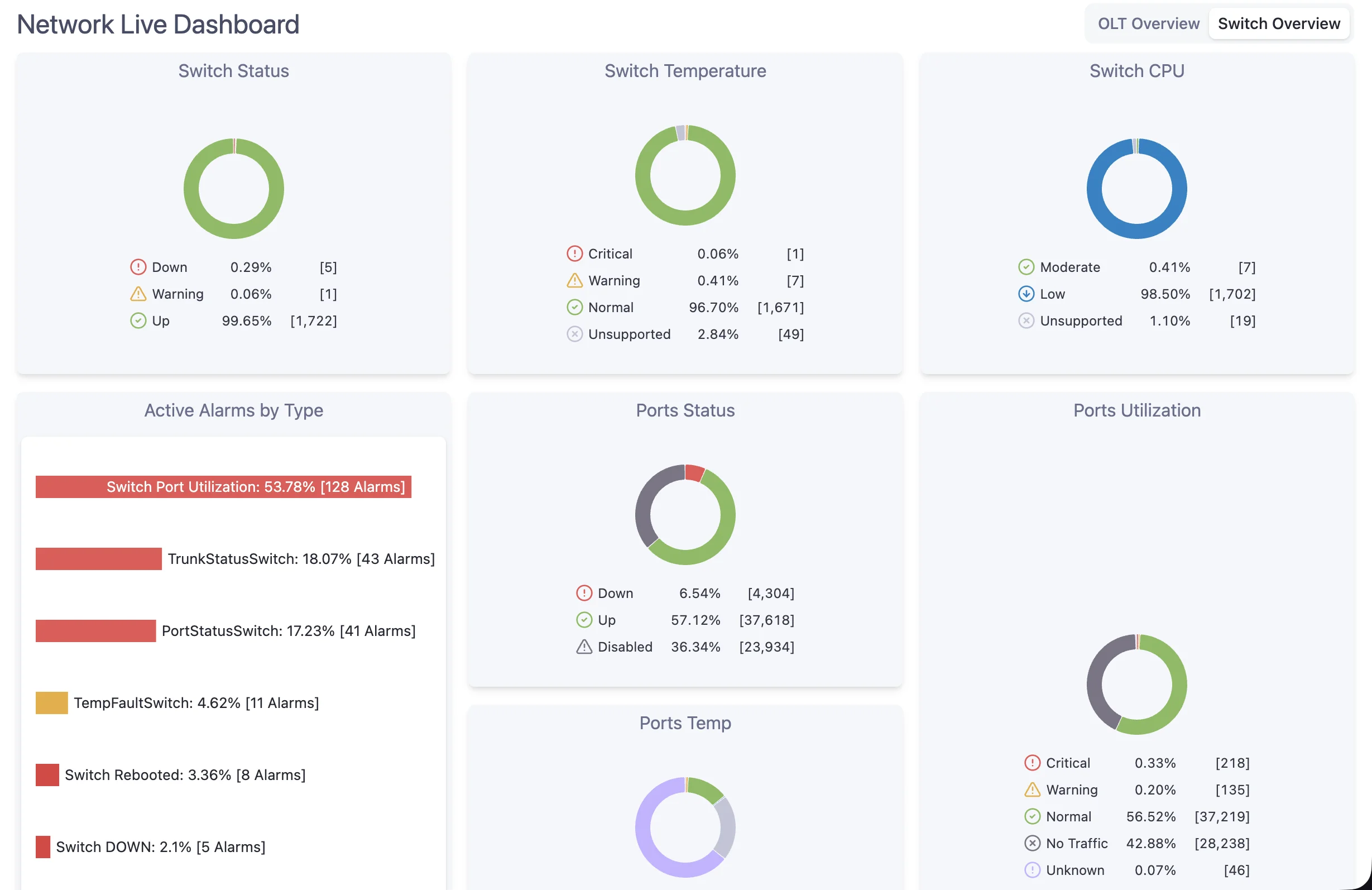
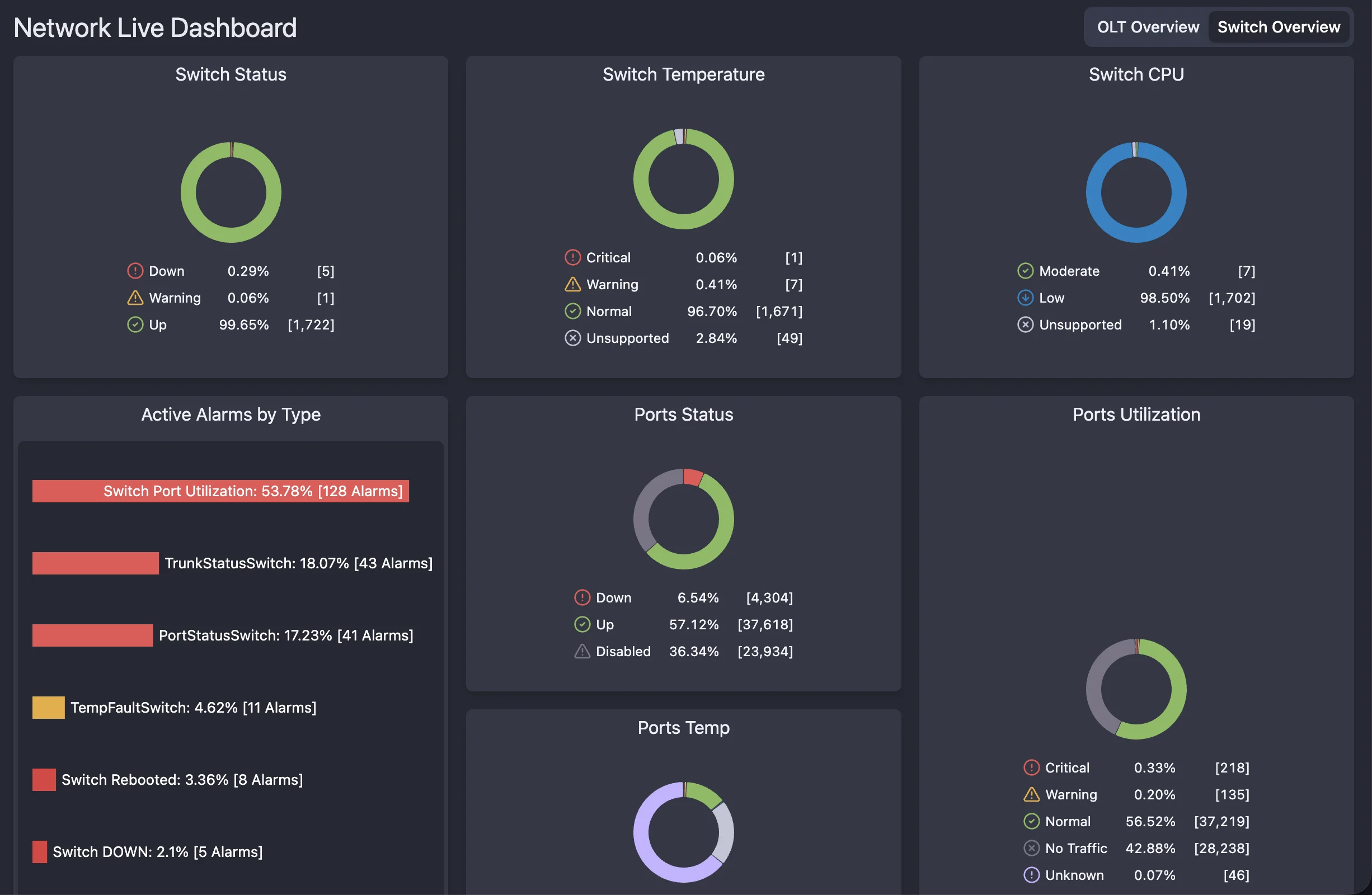
NetSense provides comprehensive monitoring for your network switches. From port-level metrics to device health, get the visibility you need to run a reliable aggregation and distribution network.
Port Monitoring
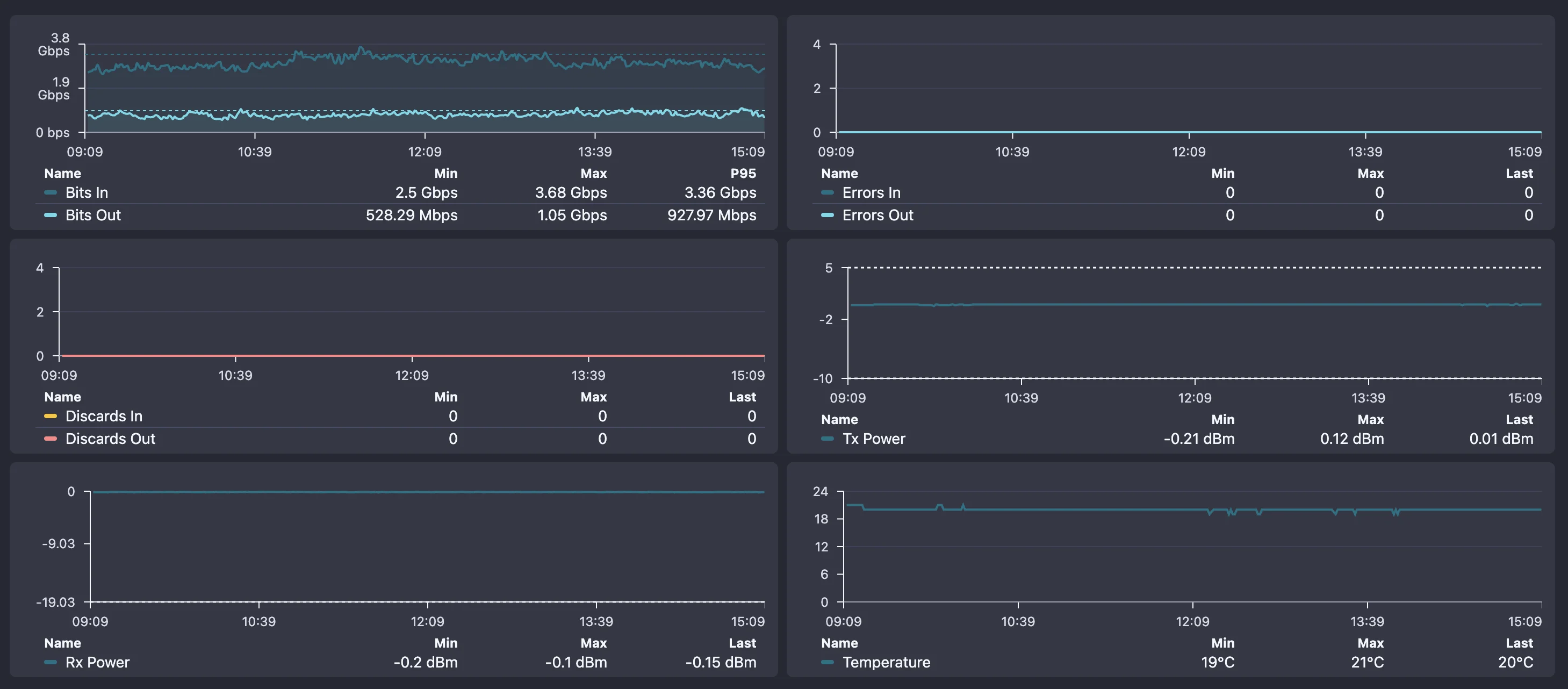
- Port Utilization
Track bandwidth usage per port to identify congestion and plan capacity.
- Traffic Analysis
Monitor inbound/outbound traffic patterns with historical trending.
- Error Tracking
Track CRC errors, collisions, and discards to catch cable or hardware issues.
- Port Status
Real-time visibility into port up/down status with instant change alerts.
- SFP Monitoring
Monitor SFP module temperatures, Rx/Tx power, and voltage levels.
Device Health
- CPU & Memory
Monitor switch resource utilization to identify overloaded devices.
- Temperature Monitoring
Track switch temperatures and get alerts before thermal issues occur.
- Power Supply Status
Monitor PSU health and redundancy status for critical switches.
- Fan Status
Track cooling system health to prevent heat-related failures.
- Uptime Tracking
Monitor device uptime and identify unexpected reboots or instability.
Switch Monitoring Features
Port Utilization Dashboard
Traffic Analytics
Error Detection
Uplink Monitoring
Performance Metrics
Multi-Vendor Support
API Integration
Fast Polling
Switch Diagnostic Tools
Troubleshoot switch issues quickly with built-in diagnostic tools. From port statistics to cable testing, get the data you need to resolve problems fast.
Port Statistics
Detailed per-port metrics including packets, bytes, errors, and discards
MAC Address Lookup
Find which port a specific MAC address is connected to
Uplink Analysis
Analyze uplink utilization and identify potential bottlenecks
Cable Diagnostics
Test cable quality and identify wiring issues on copper ports
Environmental Status
Check temperatures, fan speeds, and power supply health
Can I...? YES!
With NetSense Switch Monitoring, the answer is always YES! Here's what you can do with our platform.
Can I see all my switches in one dashboard? YES!
Can I monitor port utilization across all devices? YES!
Can I get alerts when uplinks are approaching capacity? YES!
Can I track CRC errors and packet discards per port? YES!
Can I identify which port a specific device is connected to? YES!
Can I monitor switch CPU and memory usage? YES!
Can I get notified when a port goes down? YES!
Can I track switch temperatures and fan status? YES!
Can I see traffic patterns over time? YES!
Can I monitor SFP module health and signal levels? YES!
Can I monitor switches from multiple vendors? YES!
Can I integrate switch data with my NOC tools via API? YES!
Switch Monitoring FAQ
Common questions about switch and port monitoring.
Full Visibility Into Your Aggregation Layer
Book a live demo and see real-time port utilization, traffic analysis, and error tracking across your entire switch fleet.